You need to enable JavaScript in order to use the AI chatbot tool powered by ChatBot The New MyPUC Account - Coming Soon... | PUC Services Inc.

A Better Online Experience Is Coming November 23

Get Ready for MyPUC Account: A Simpler, More Modern Way to Manage Your Account

You asked for an easier, more modern online experience. We listened.

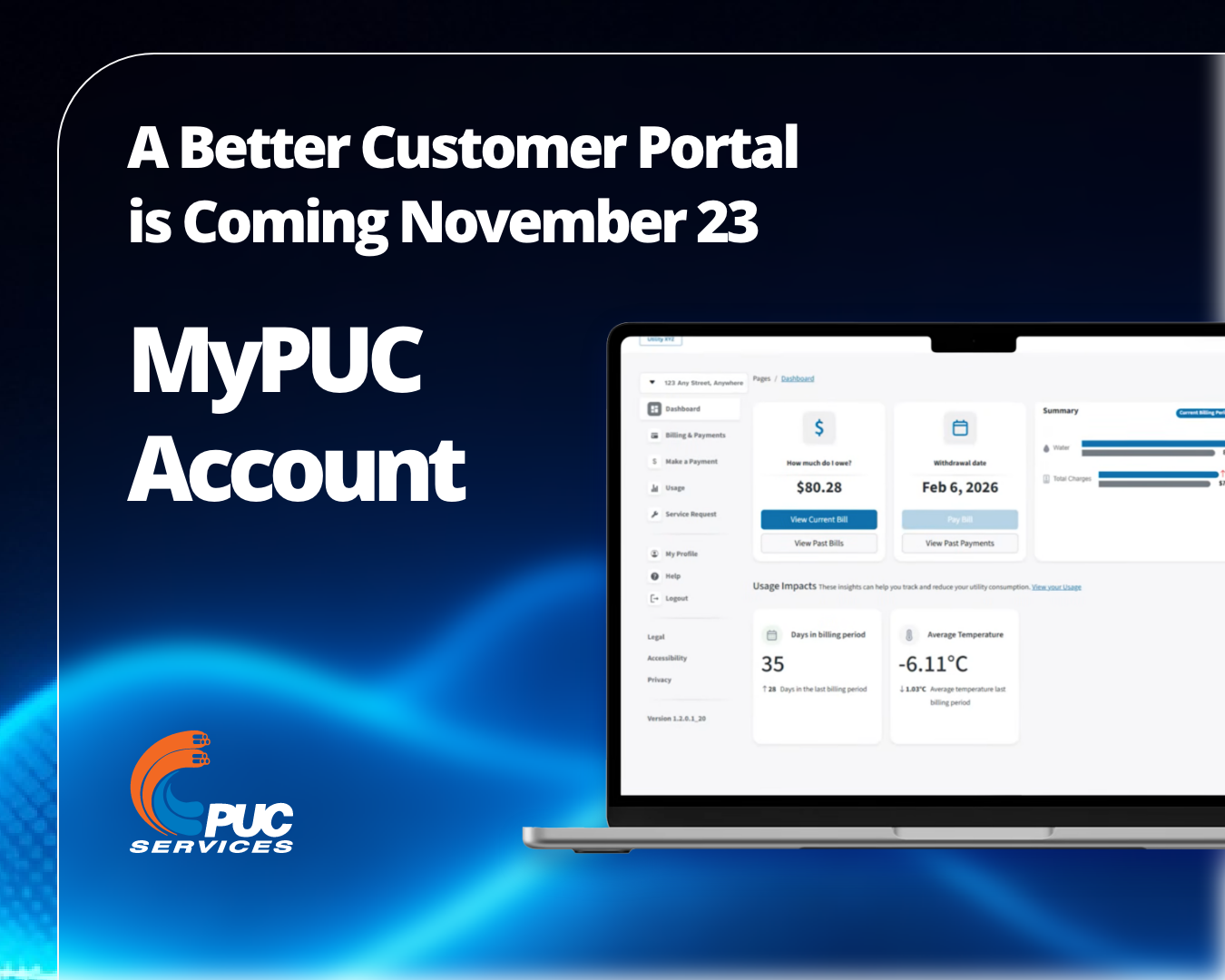
MyPUC Account will bring improved tools and more self-serve options together in one convenient place. You’ll be able to track your electricity and water use right down to the hour, compare electricity price plans using your actual usage, submit service requests, and much more.

Already have an existing online account with us? You'll just log in with your current email and password, then create a new password when prompted.

Don’t have an online account with us yet? We’re here to help.

What do you need to do right now? You don’t need to log in or register yet. Here’s what to have ready starting November 23:

  • Already have an online account? Use the same email you used to log in before. If it has changed, update it with us before launch.
  • Registering for the first time? Use your current email address.

The first time you access MyPUC Account, you'll be asked to enter your account number. You can find it on any recent bill.

What happens next?

Closer to launch, watch for an email from no-reply@ssmpuc.com with the portal link and instructions.

For a sneak peek, watch our demo video.


Have questions? Review the frequently asked questions below. You can also email us at mypuc.account@puc.ca or call our Customer Experience team at 705-759-6500. We’re committed to making your transition to MyPUC Account as simple as possible.

Frequently Asked Questions

What are the benefits of the new portal?
MyPUC Account offers the following new self-serve options:

  • Easy billing and payments: View your bills and pay through your bank provider or by credit card (credit card option coming soon after launch) from any device.
  • Rate plan comparison: Compare Ontario electricity price plans using your actual usage and, if eligible, request a switch online.
  • Guest access: Give a trusted friend or family member view-only access to help manage your account.
  • Built-in outage map: View outage information without leaving the portal.
  • Detailed usage: Explore your consumption by billing period, month, week, day, or hour using clear graphs.
  • Quick access to service forms: Find online forms for move requests, tree trimming, water estimates, and other services.

Other benefits

  • Automatic account linking for landlords: If you have multiple accounts in your name, access them all with one login.
  • Works on any device: Use MyPUC Account on a computer, tablet, or phone.
  • Flexible sign-in: Sign in using your MyPUC Account, Google, or Apple credentials.
  • Direct updates: Receive portal news and updates by email.
  • Helpful resources: Find conservation tips and links to government assistance programs.

Why is the customer portal changing?

Customers told us they wanted an easier, more modern online experience. MyPUC Account responds with improved tools, enhanced security, and more ways to manage your account online.

Do I have to use the new portal?

No. However, all customers with existing online PUC accounts will be automatically transferred to MyPUC Account. MyPUC Account will give you even better online tools, improved bill insights, more self-serve options, and greater visibility into your electricity and water use.

What if I prefer using an app instead of an online web portal?

We've got that too. The MyPUC Account app is coming soon to the Apple App Store and Google Play, with the same features as the web version. Use whichever you prefer, or both. We’ll let you know as soon as the new app is ready to download.

What if I’m already using PUC’s app?

The old app will still work until the new app is available. We’ll let you know as soon as the new app is ready to download.

Do I need to register separately for the new app?

No. Log in or register once, either in the app or on the web version. The same email and password will work for both. We’ll let you know as soon as the new app is ready to download.

Who is the provider for MyPUC Account?

ERTH Corporation is providing both the web version and app for MyPUC Account. ERTH is an Ontario-based provider with experience serving the utility industry. Its web and app platforms provide a modern, reliable digital experience designed to work equally well on a phone, tablet, or computer.

Can I continue using my online PUC account before the new portal launches?

Yes. If you currently have an online account with PUC, your account will remain available during the transition.

After MyPUC Account launches, visiting the old web portal will automatically redirect you to the new web portal. All you’ll need to do is log in with your current email and password, then create a new password when prompted.

Will I need to create a new account?

No, not if you already access your PUC account online. Your personal account information will move automatically. Watch for log-in instructions from us closer to launch.

If you’ve never accessed your PUC account online before, then you’ll need to register for MyPUC Account. Watch for the MyPUC Account registration link in any one of these places, closer to launch: an email from no-reply@ssmpuc.com, an upcoming bill, our website, or our Facebook page.

Will my account information transfer to the new portal?

Yes, if you already use PUC’s current online portal, the previous two years of your billing history will remain connected to your online account. You’ll just need to log in with your current email and password, then create a new password when prompted.

Watch for an email from no-reply@ssmpuc.com for next steps.

When will the new portal be available?

MyPUC Account is expected to launch on November 23, 2026. Closer to launch, watch for an email from us at no-reply@ssmpuc.com with the link to the new portal.

We’ll also share the link on an upcoming bill, on our website, and on our Facebook page. You only need to use one of these channels. 

If you already have an existing online account with us, your personal account information will automatically be transferred to the new portal. Plus, of November 23, the old portal log-in page will automatically redirect you to the new portal, where you can complete your password reset.


What do I need to do right now?

You don’t need to log in or register yet. Here’s what to have ready starting November 23:

  • Already have an online account? Use the same email you used to log in before. If it has changed, update it with us before launch.
  • Registering for the first time? Use your current email address.

The first time you access MyPUC Account, you'll be asked to enter your account number. You can find it on any recent bill.


Where can I find updates?

We’ll share updates by email, on upcoming bills, on our website, and on our Facebook page as launch approaches.

Will my information be secure in the new portal?

Yes. Protecting customer information is a priority. MyPUC Account includes modern security features designed to safeguard your account and personal information.

Will my username and password stay the same?

If you already have an online account with PUC, your username will remain your email address. You’ll need to create a new password as part of the log-in process for security. Your personal account information will be transferred and managed using secure processes.

How will I know whether an email about MyPUC Account is really from PUC?

Initially, we’ll email you with instructions for making the switch from no-reply@ssmpuc.com; subsequent emails regarding your online account will come from mypuc.account@puc.ca. If you’re unsure about a message, call our Customer Experience team at 705-759-6500.

We’re here to help. Email us at mypuc.account@puc.ca or call our Customer Experience team at 705-759-6500.